
Computer has a virus
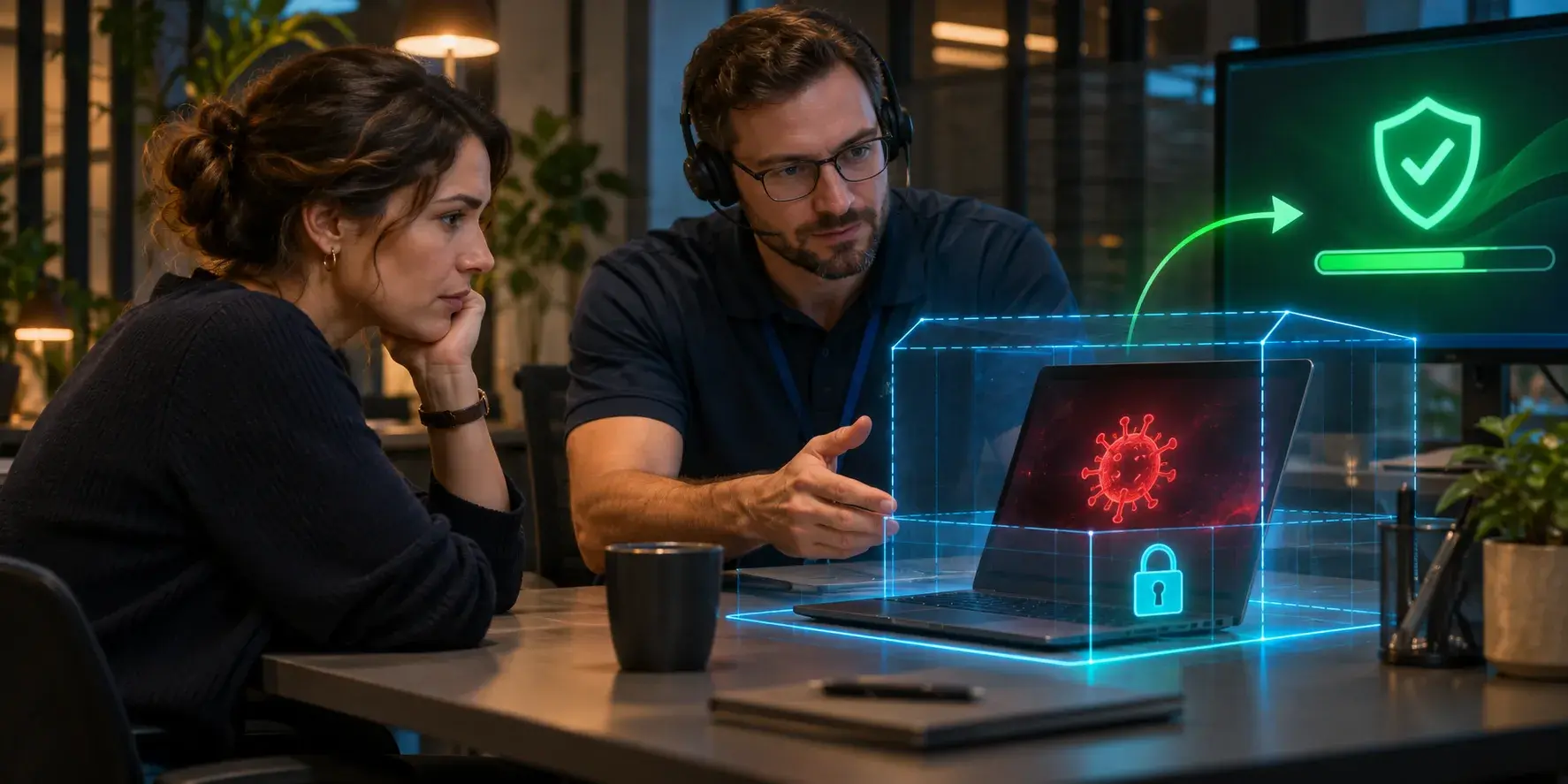
Computer has a virus
Pop-ups, redirects, unknown programs, or sudden account notifications can indicate malware but sometimes have a different cause. If in doubt, temporarily treat the device as unreliable. Prevent further spread, record signals, and only then choose the appropriate cleaning or recovery path.
What will you learn in this article?
- Which signals seriously require investigation.
- How to safely isolate the device.
- Why account security must be done separately.
- When reinstallation is wiser.
1. Recognize signals without jumping to conclusions
Unexpected browser extensions, disabled security, redirects, and unknown logins are suspicious. A slow computer can also be caused by updates, storage, or hardware. Note concrete signals and times.
2. Isolate in case of active threat
Disconnect network and internet when files change, others receive strange messages from your name, or accounts are misused. Do not connect backup media or log in to important services.
3. Avoid fake solutions
Do not call a number from a pop-up and do not install unknown cleaners. Use existing security or a reliable tool from the official provider. An ad at the top of search results is not automatically trustworthy.
4. Secure accounts on a clean device
First, change the email password, recall unknown sessions, and check recovery data. Do the same for banking, cloud storage, and social media when those are used on the suspicious computer.
5. Recovery with sufficient certainty
Remove detected malware and check boot points, browser, and system settings. In case of data theft, administrator misuse, or reinfection, a clean installation is often safer. Only restore scanned personal files.
Practical checklist
- Do not continue using the computer for sensitive accounts.
- Note notifications before cleaning up.
- Do not download unknown cleaners.
- Change passwords on a clean device.
- If in doubt, choose controlled reinstallation.
Frequently Asked Questions
Is a slow computer always infected?
No. Storage shortages, updates, faulty hardware, and too many startup programs can have the same effect. Investigate concrete signals.
Can I simply disconnect the internet cable?
Yes, with an active threat this limits communication and spread. Also, don't forget to turn off Wi-Fi.
Do I need to change all my passwords?
In any case, change accounts used during the suspicious period, starting with email and financial services, from a clean device.
Can I keep my files?
Often yes, but scan them before restoring. Do not restore unknown programs, scripts, or macro files.
Need an extra layer of security?
ESET helps block harmful websites, downloads, and ransomware early. Choose the protection that suits your devices or let Viva Support advise on installation and settings.
ESET Essential | ESET Premium | ESET Ultimate | Advice from ViVa Support
Related articles
Need help?
Viva Support helps securely check, restore, and set up computers and accounts. Record what you see and which steps have already been taken, but never share passwords or temporary codes.
Log in ticket environment | Create support ticket | Contact us