
How do I check how much storage space I have left?
How do I check how much storage space I have left?
Sufficient free storage space is needed for Windows updates, temporary files, browser caches, and normal SSD management. When the system disk is almost full, updates can fail and programs can become noticeably slower or unstable.
Don't just look at the total number. Windows divides usage into apps, temporary files, documents, photos, and other categories. This allows you to clean up specifically without manually deleting unknown system folders or recovery data.
What will you learn in this article?
- Where Windows shows free space and categories.
- How to recognize multiple drives and partitions.
- What cloud status and local copies mean.
- How to safely free up space and prevent growth.
Control via Windows Settings
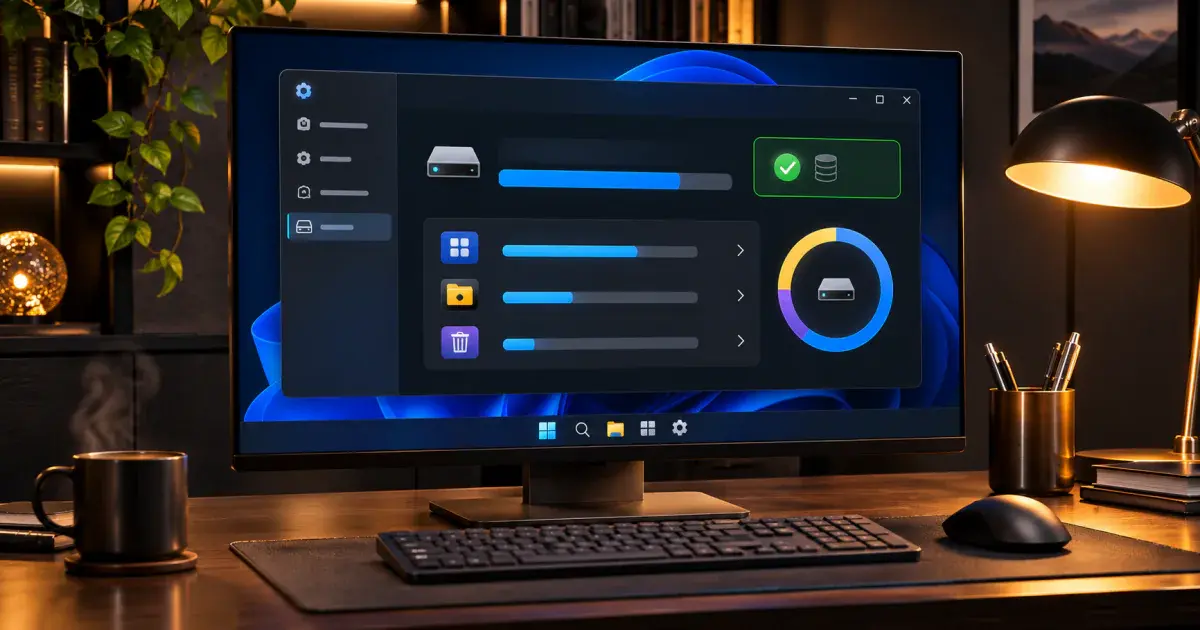
Open Settings, choose System, and then Storage. At the top, you'll see the system disk with used and free space. Open categories to discover where the growth is. Temporary files can be reviewed by Windows, but read every choice before deleting.
The Downloads folder may be optional on some cleanup screens and often contains custom files. Do not select them automatically. Let updates or synchronization complete first before deleting large amounts.
Quick check in File Explorer
Open File Explorer and choose This PC. Each drive has a bar with free and total capacity. The C drive usually contains Windows; other letters can be data disks, recovery partitions, USB storage, or network connections.
A small hidden recovery partition does not need to have the same free margin as C. Do not modify or format partitions just because they appear full. Disk Management shows the format, but is not a cleanup program.
OneDrive and files on demand
A cloud file can only be online, locally available, or always stored on this device. Online-only files use little local space but require internet to access. Freeing up space does not remove the local copy from the cloud; deleting the file itself can be synchronized anywhere.
Check the status icons and ensure important files are also in an independent backup. Cloudsync does not automatically protect against accidental deletion or account issues.
Safely freeing space
Start with the Trash, known downloads, unused apps, and large native video or installation files. Move archive only after a backup has been checked. Use Windows Storage Insight for predictable temporary categories and don't set them more aggressively than you understand.
Do not delete folders in Windows, Program Files, or AppData based solely on size. Use the official deletion path for programs. Duplicate files deserve manual review before one disappears.
When free space quickly disappears again
Strong growth can come from video, mail archives, synchronization, restore points, log files, or a failed update. Note the free space and compare after normal use. See which category actually grows instead of constantly deleting randomly.
In case of errors, ticking storage, or files not opening, first secure data. ViVa Support can assess storage usage, disk health, and expansion capabilities and discusses the total price before starting parts or work.
Frequently Asked Questions
How much free space does Windows need?
There is no universal minimum; keep enough margin for updates, temporary files, and your normal growth. When facing warnings, it is wise to review immediately.
Why does the number differ between Settings and File Explorer?
Category analysis, temporary reservation, and rounding may vary; wait until the scan is complete and restart if in doubt.
Can I delete the Windows.old folder?
Use Windows Temporary Files once you are sure you don't need to revert to the previous Windows version.
Is a full cloud the same as a full PC?
No. Cloud quotas and local disk space are separate, although synchronization can affect both.
Related articles
Inexplicably little storage space?
Viva Support safely maps what space is used and assesses disk health or expansion. Nothing is removed or ordered without your consent.